Resources.
For the work of running a business.
Understand what your website should do, where your systems could work better together, and how to evaluate the next investment. These articles draw on our research and practical investigations, with the evidence and limits made clear. If you run your site on Porchlight, the Porchlight guides show you how to do the everyday updates.
Websites and getting found
 Buying guide
What Does a Small-Business Website Really Cost?
Compare setup costs, monthly fees, ownership, and the work left for you after launch.
Read the article 5 min read Practical guide
Check What Customers See Before Rebuilding Your Website
Follow the path from a search to a visit, order, or inquiry. Find the problem before choosing the project.
Read the article 4 min read Anonymous case study
What We Learned Reviewing Pagosa Business Websites
An anonymous local case study in menus, ordering, appointment routes, and preserving what already works.
Read the article 7 min read Practical guide
What a First-Time Visitor Needs From Your Business Website
A practical visit-planning check for someone who has never used your business.
Read the article 4 min read Practical guide
Your Website Is Fast. Can Customers Actually Use It?
Combine performance measurements with a customer completing a meaningful task.
Read the article 4 min read Practical guide
What Can You Actually Do to Help Google and AI Understand Your Business?
A grounded approach to business information, search visibility, and AI claims.
Read the article 4 min read Practical guide
Switching Websites Without Losing Your Domain, Email, or Google Listing
Who holds what, which records to copy, and the order that keeps email and your listing working.
Read the article 6 min read Checklist
Road Closed, Power Out, Closed Today: A Checklist for Telling Customers
What to say, where to post first, and what to set up before the next bad day.
Read the article 3 min readSystems, decisions, and results
 Practical guide
What to Automate First in a Small Business
Choose a recurring handoff, settle which information to trust, and plan for the exceptions.
Read the article 4 min read Decision guide
Which Website Numbers Help You Run the Business?
Make sense of visibility, clicks, inquiries, and actual outcomes without mixing them together.
Read the article 4 min read Decision guide
Plan for Better AI Without Betting the Business on It
Give AI a useful job today and keep a clear test for increasing its responsibility.
Read the article 5 min read Worksheet
Before Buying More Software, Map One Job From Start to Finish
Trace a real piece of work and find the specific problem a new tool must solve.
Read the article 4 min read Owner guide
Before You Spend More on Advertising, Check What Happens to an Inquiry
Check delivery, responsibility, response, and follow-through before adding spend.
Read the article 4 min read Buying guide
What to Ask Before Paying Someone to Automate Your Business
A buyer checklist for evaluating the proposal behind the successful demo.
Read the article 4 min readRunning it with Porchlight
 Porchlight guide
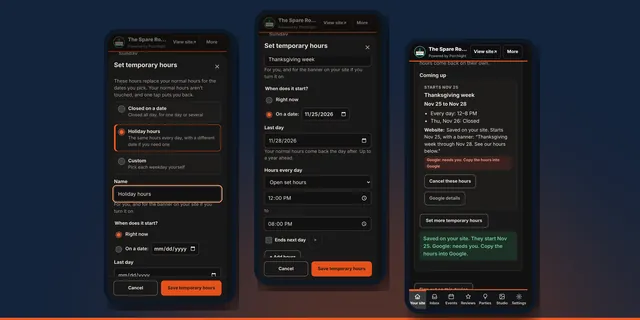
How to Set Holiday Hours Without the Last-Minute Scramble
Enter the holiday week once, weeks ahead, and let your normal hours come back on their own.
Every Porchlight planRead the guide 4 min read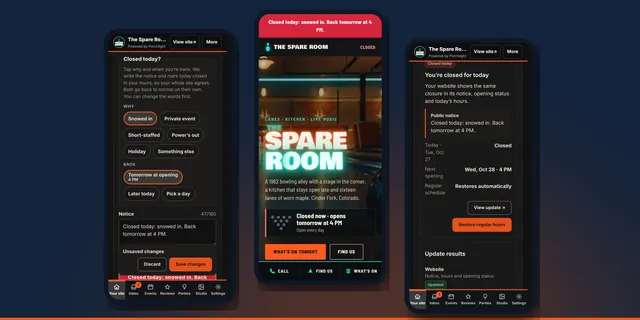 Porchlight guide
Closed Today? How to Tell Customers in 30 Seconds
One tap writes the notice and marks today closed, so your whole site gives customers the same answer.
Every Porchlight planRead the guide 3 min read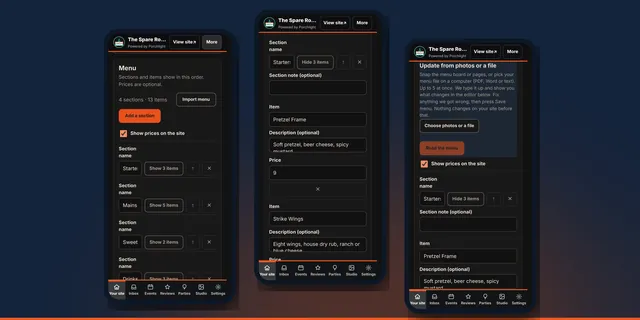 Porchlight guide
How to Update Your Menu Without Calling Your Web Person
Change a price, add a dish or reorder sections from your phone, and your site shows it within a minute.
Every plan · Import on Connected and upRead the guide 3 min read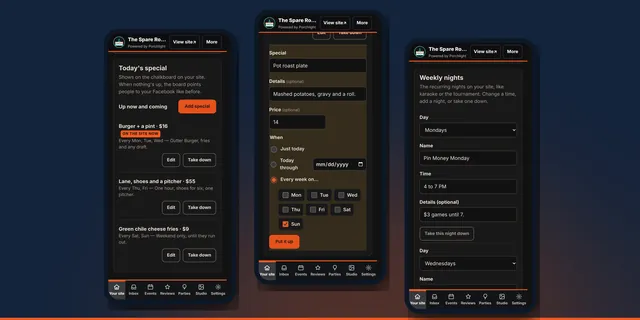 Porchlight guide
Specials and Weekly Nights: Keep the Chalkboard Current
Put up today’s special in four taps, set the weekly ones once, and let them take themselves down.
Every Porchlight planRead the guide 3 min read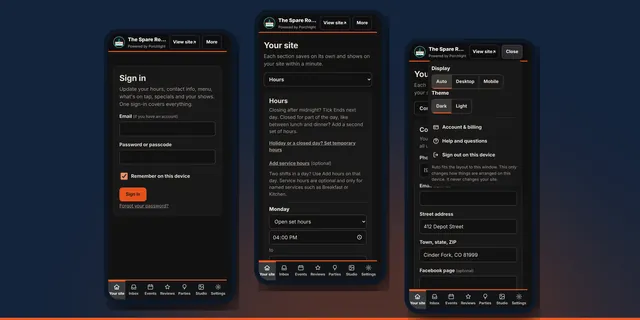 Porchlight guide
Your First 15 Minutes in the Porchlight Manager
Sign in, put it on your home screen, check what customers rely on most, and learn where everything lives.
Every Porchlight planRead the guide 3 min read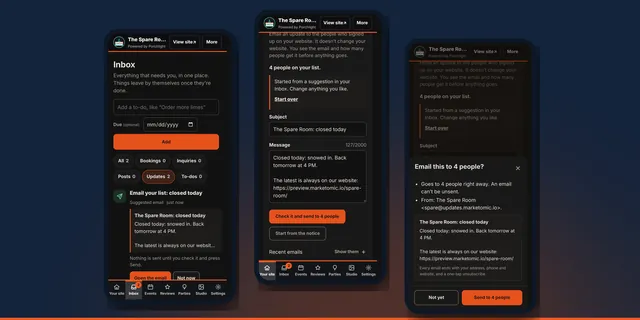 Porchlight guide
How to Email Your Regulars When Something Changes
Post the change on your site, and the email to your list is already written. You check it and send it, or skip it.
Connected and upRead the guide 4 min read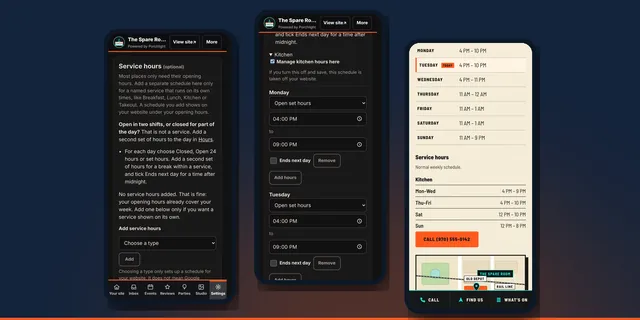 Porchlight guide
Kitchen Closes Before the Bar? Show Both Sets of Hours
Your door hours and your kitchen hours are different answers. Put both on your site so nobody shows up hungry at 9:45.
Every plan · Google on Connected and upRead the guide 3 min read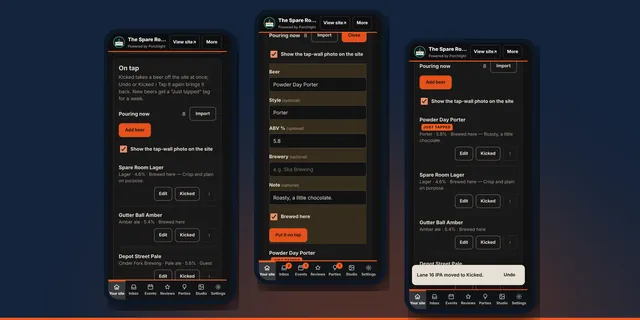 Porchlight guide
Keep Your Tap List Current: Kicked Kegs and New Pours
Take a beer off the site the moment it kicks, put the new one up in a minute, and let regulars see what's just tapped.
Every plan · Photo import on Connected and upRead the guide 3 min read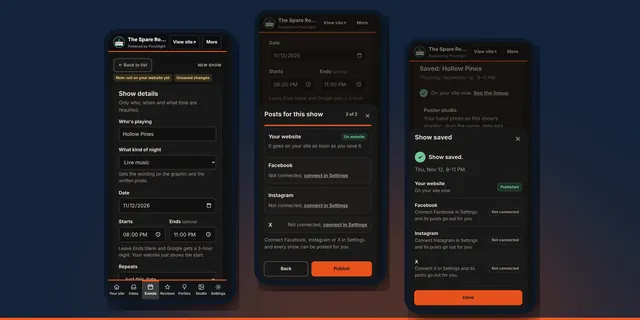 Porchlight guide
Stop Typing the Same Show Into Five Places
Enter a show once: who, when and what time. Your website lineup, the show graphic and the written posts all come from that one entry.
Venue and up · Scheduled posts on Venue Pro and upRead the guide 4 min read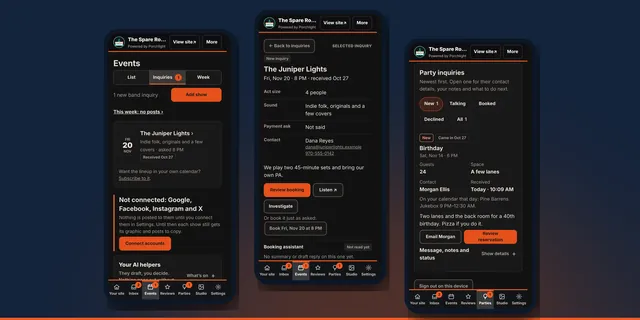 Porchlight guide
Band and Party Inquiries Without the Email Pile
Bands and party hosts ask through forms on your site. Every request lands in one place, with your calendar for that day right next to it.
Venue and upRead the guide 4 min read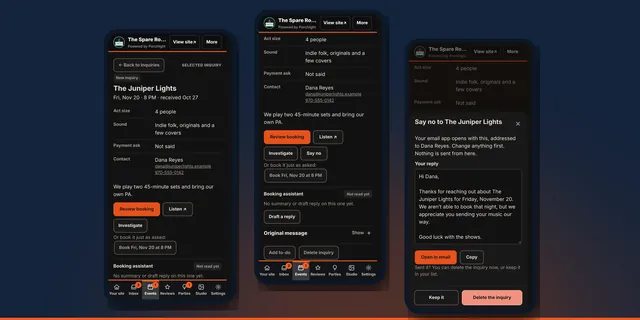 Porchlight guide
Turn Down a Band Without Ghosting Them
Porchlight writes a short, polite no. You change what you like and send it from your own email.
Venue and upRead the guide 3 min read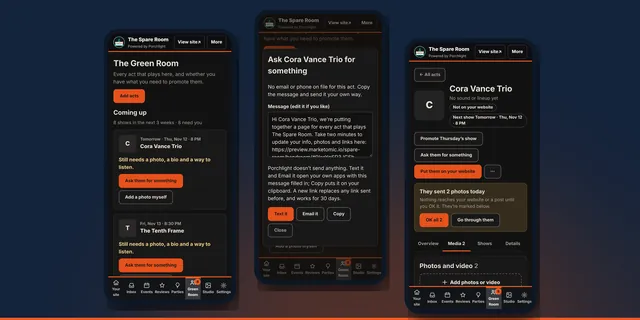 Porchlight guide
Get Photos and a Bio From Your Bands Without Chasing Them
The Green Room keeps every band that plays your room in one place. One link gets you their photos, bio and video.
Venue MaxRead the guide 4 min readHave a specific problem in mind?
Tell us what takes too much time, what customers struggle to do, or which information you cannot trust. We will start with the work and help identify a practical next step.